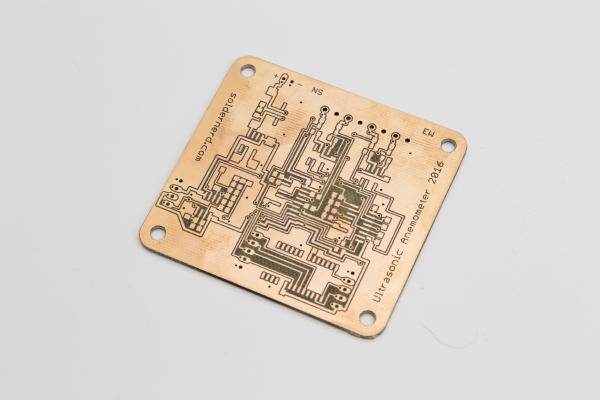
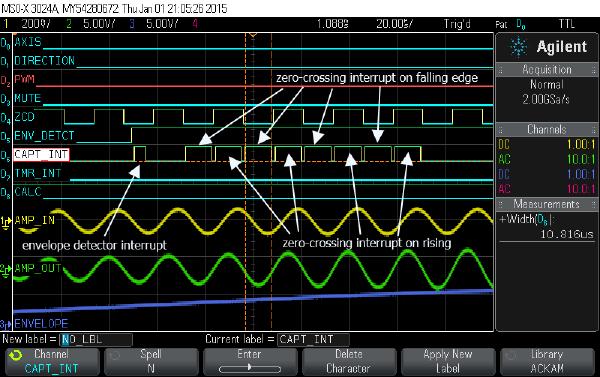
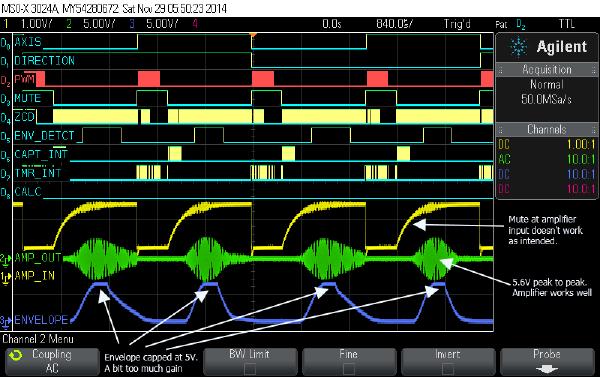
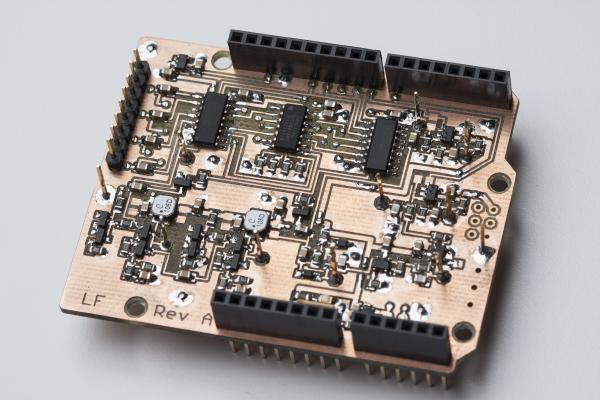
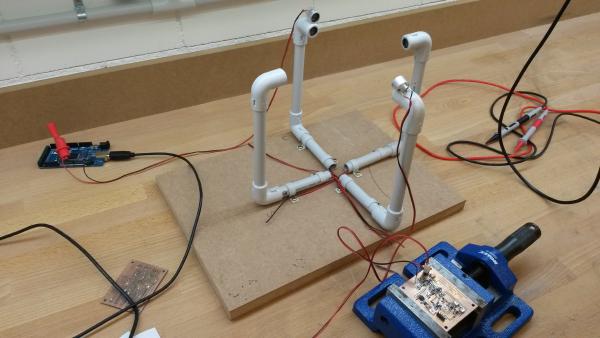
It’s been about one and a half years since I started out with my ultrasonic anemometer project. Like others before me I had to notice that this a much more demanding project than it appears to be at first. After countless hours of development and testing I have built this Arduino shield. It worked but the reliability of the measurements was never what I had aimed for. The problem was mainly how to figure out the absolute phase of the received signal. So the measurements were always precise - but sometimes off by a full wavelength. Then I was more or less inactive for most of 2015, mainly due to personal reasons. So the project was kind of stuck but i kept (and keep) getting a lot of encouraging feedback from you folks. I came up with new circuit ideas and decided to pretty much start with an entirely new design and to re-think each and every design choice I had made back then.
It’s been a while since I posted the last update on the anemometer project. The reason for this is that I’m struggling with the aerodynamical design.
By the way: Click here for an overview over the ultrasonic anemometer project: /projects/arduino-ultrasonic-anemometer/
It’s been a while since the last post of this series. As so often, the task turned out to be more demanding than I first thought. And then I was also entirely new to assembly language, got distracted by my Inductance Meter Project (/posts/arduino-based-inductance-meter/) and went on a skiing holiday. But finally, the promised library is ready.
Today I’ll go through each part of my new Arduino shield to see if it performs as expected.
If you’re new to my Arduino-based ultrasonic wind meter project, you might want to click here for an overview: /projects/arduino-ultrasonic-anemometer/
A world’s first: Ultrasonic Anemometer Shield for Arduino Uno I’m happy to announce that my new Arduino wind meter shield is ready. I had posted the design as well as a photo or two of the naked board in my last post but now I’ve placed and soldered all the numerous components and it’s ready to go.
In my last post I talked about how to get the Arduino to output bursts of 40kHz pulses. Today I’ll go through the rest of the software so by the end of this post we’ll have a very rudimentary but working sketch for our ultrasonic wind meter.
Today I’ll tell you how I got started with my software. If you’re new to my blog you might want to click here for an overview over my arduino-based wind meter project: /projects/arduino-ultrasonic-anemometer/
If you’ve read through my previous posts of this series you know that here is an Arduino and two home-made PCBs together with 4 transducers waiting to work together as an ultrasonic wind meter. If you haven’t you may click here for an overview of posts on my anemometer project: /projects/arduino-ultrasonic-anemometer//posts/arduino-ultrasonic-anemometer-part-6-mechanical-design/
In the last post I went through the analog board and showed what I had to do to get it working properly. Today I’ll do the same whith the digital board. Click here for an overview over this series of posts on the anemometer project: /projects/arduino-ultrasonic-anemometer/
In this post I will go through the testing of the analog circuit and what I had to do to make it work properly. Click here for an overview over this series of posts on the anemometer project: /projects/arduino-ultrasonic-anemometer/