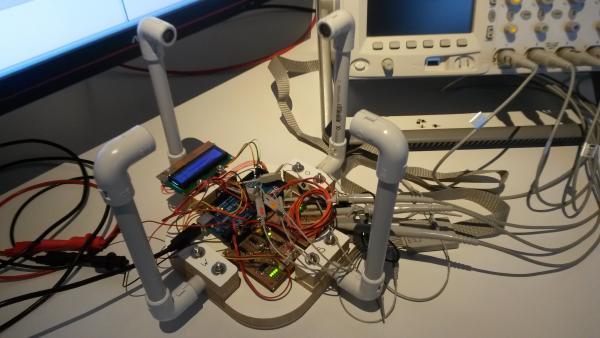
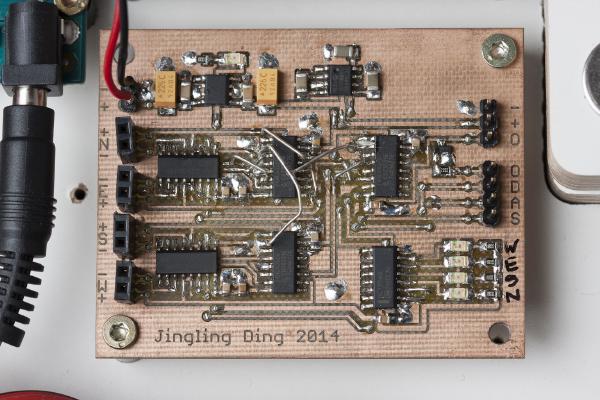
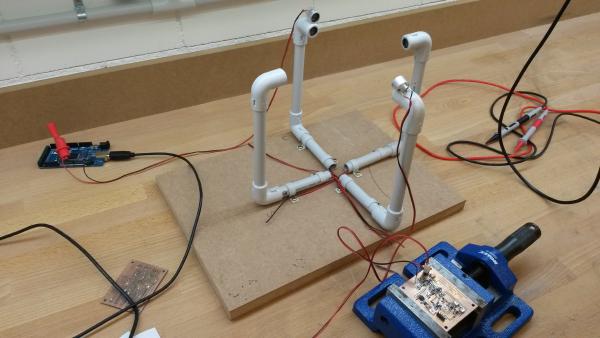
It’s been a while since I posted the last update on the anemometer project. The reason for this is that I’m struggling with the aerodynamical design.
By the way: Click here for an overview over the ultrasonic anemometer project: /projects/arduino-ultrasonic-anemometer/
It’s been a while since the last post of this series. As so often, the task turned out to be more demanding than I first thought. And then I was also entirely new to assembly language, got distracted by my Inductance Meter Project (/posts/arduino-based-inductance-meter/) and went on a skiing holiday. But finally, the promised library is ready.
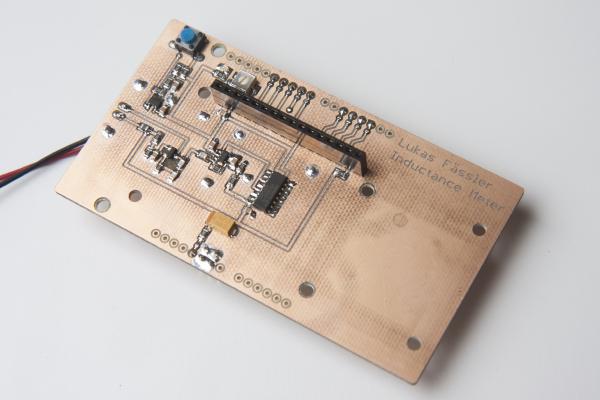
Incuctance meter in action. It displays the resonance frequency together with the inductance I’ve just finished a little Arduino project. It’s a shield for the Arduino Uno that lets you measure inductance. This is a functionality that I found missing in just about any digital multi meter. Yes, there are specialized LCR meters that let you measure inductance but they typically won’t measure voltages or currents. So I had to build my inductance meter myself.
This is just a very brief update on what I’ve been working on the last few days. By now, this blog has caught up with where the project currently stands so the blog posts won’t be quite as frequent as they used to be. When I just started this series I had already worked on this my wind meter project for two months so I had plenty of material I only had to post.
My first wind meter prototype is kind of working. The software will need improvement to make this wind meter into something really useful. But both hardware and software are basically functional and can be built up upon.
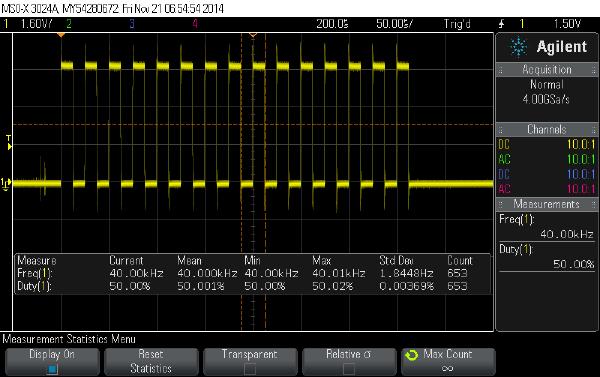
In my last post I talked about how to get the Arduino to output bursts of 40kHz pulses. Today I’ll go through the rest of the software so by the end of this post we’ll have a very rudimentary but working sketch for our ultrasonic wind meter.
Today I’ll tell you how I got started with my software. If you’re new to my blog you might want to click here for an overview over my arduino-based wind meter project: /projects/arduino-ultrasonic-anemometer/
If you’ve read through my previous posts of this series you know that here is an Arduino and two home-made PCBs together with 4 transducers waiting to work together as an ultrasonic wind meter. If you haven’t you may click here for an overview of posts on my anemometer project: /projects/arduino-ultrasonic-anemometer//posts/arduino-ultrasonic-anemometer-part-6-mechanical-design/
In the last post I went through the analog board and showed what I had to do to get it working properly. Today I’ll do the same whith the digital board. Click here for an overview over this series of posts on the anemometer project: /projects/arduino-ultrasonic-anemometer/
In this post I will go through the testing of the analog circuit and what I had to do to make it work properly. Click here for an overview over this series of posts on the anemometer project: /projects/arduino-ultrasonic-anemometer/